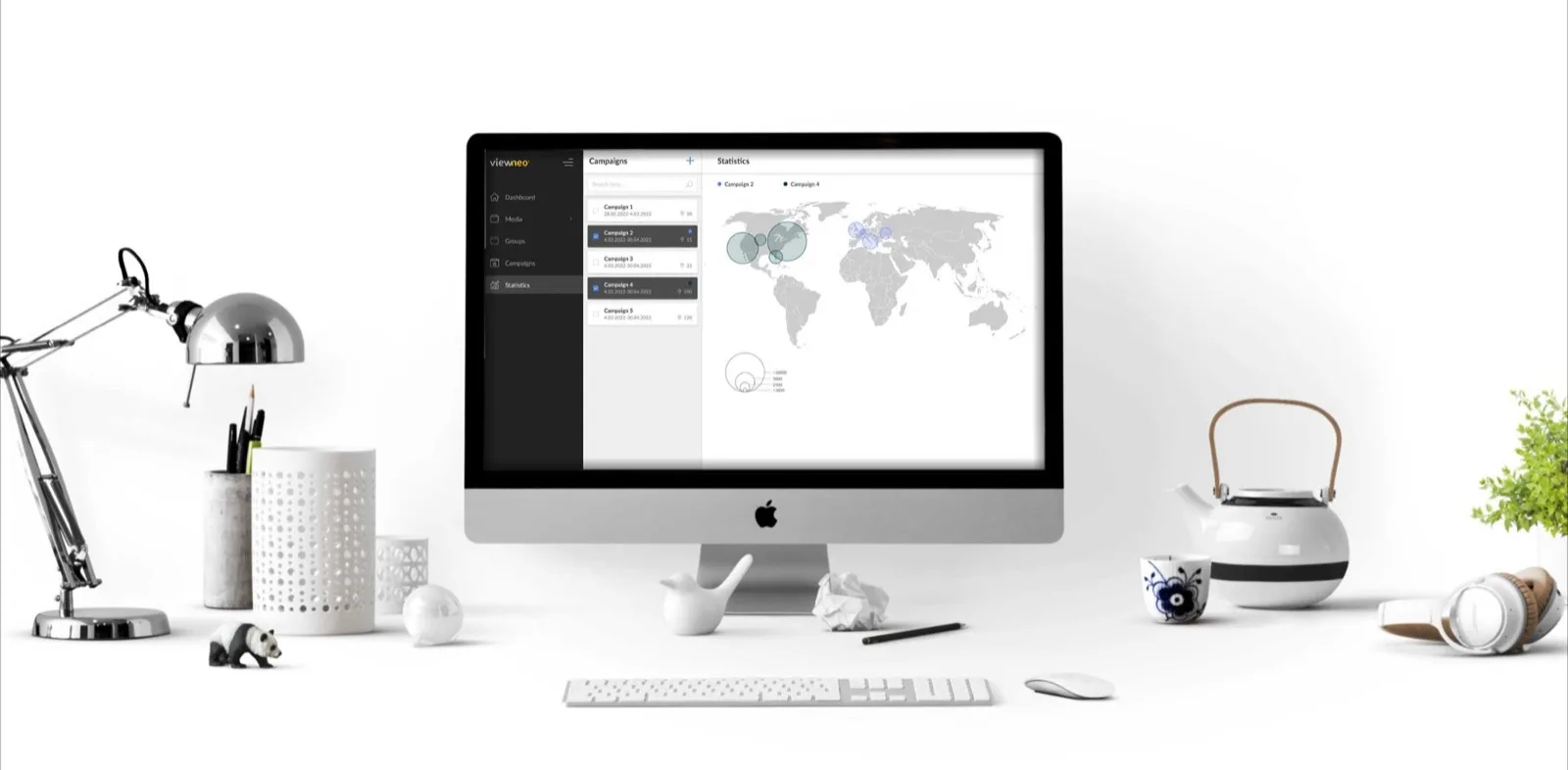
Set Up Your Dinio
in Minutes
Everything you need to get your Dinio displays up and running.
Watch the Tutorial
What's in the Box
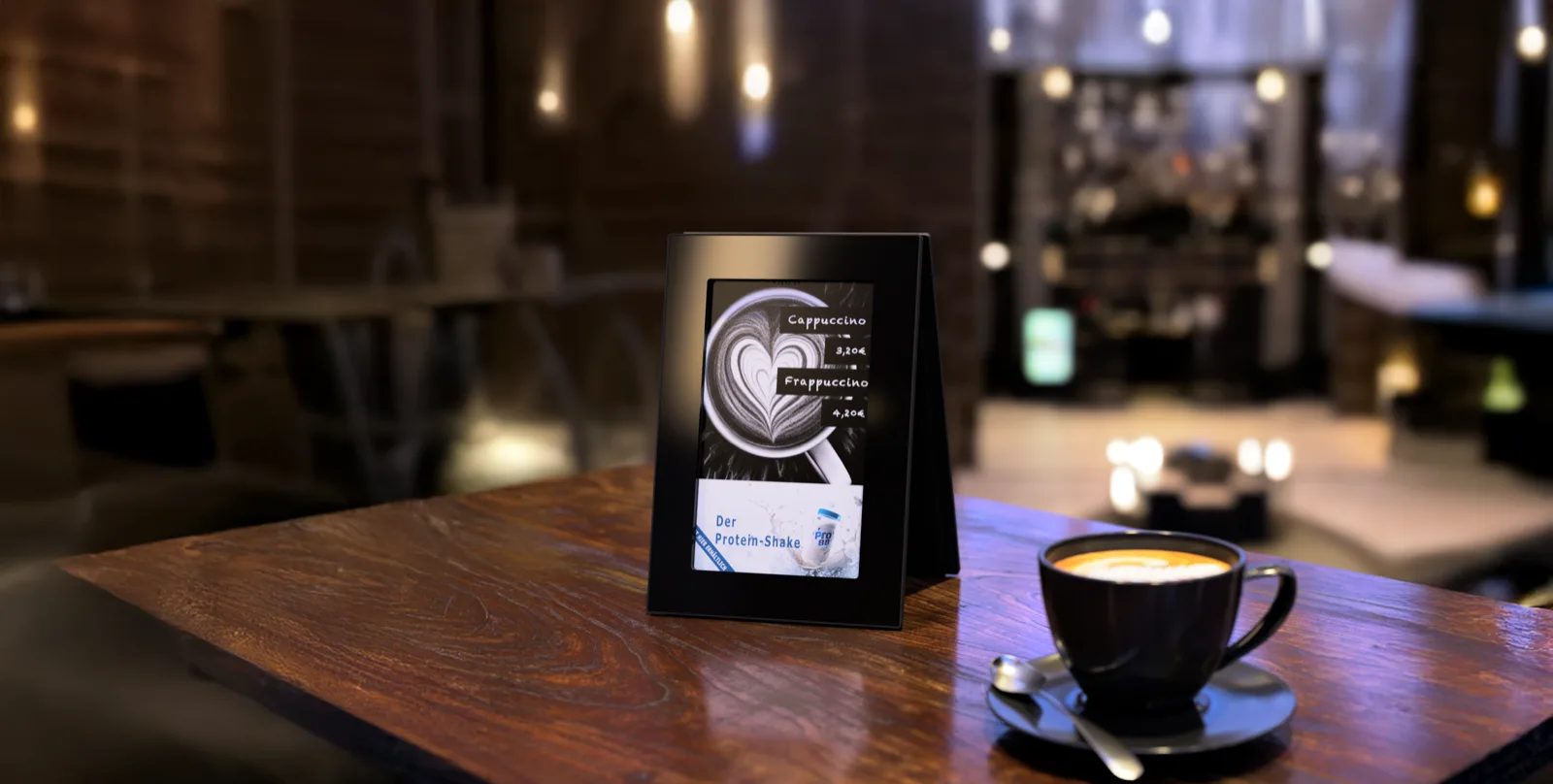
Set Up Your Dinio
5 steps to get your displays running
Connect Router
Always connect the router first before anything else. WiFi and DHCP are pre-configured, so just plug in and you're online.
Insert Battery
Power up your Dinio device. The display lights up within seconds.
Download the App
Available on App Store and Google Play. Search "Dinio".
Log In to the App
Use the credentials sent to your email to access your Dinio dashboard.
Upload Your Content
Start displaying your menu, promotions, or campaigns. Content appears within moments.
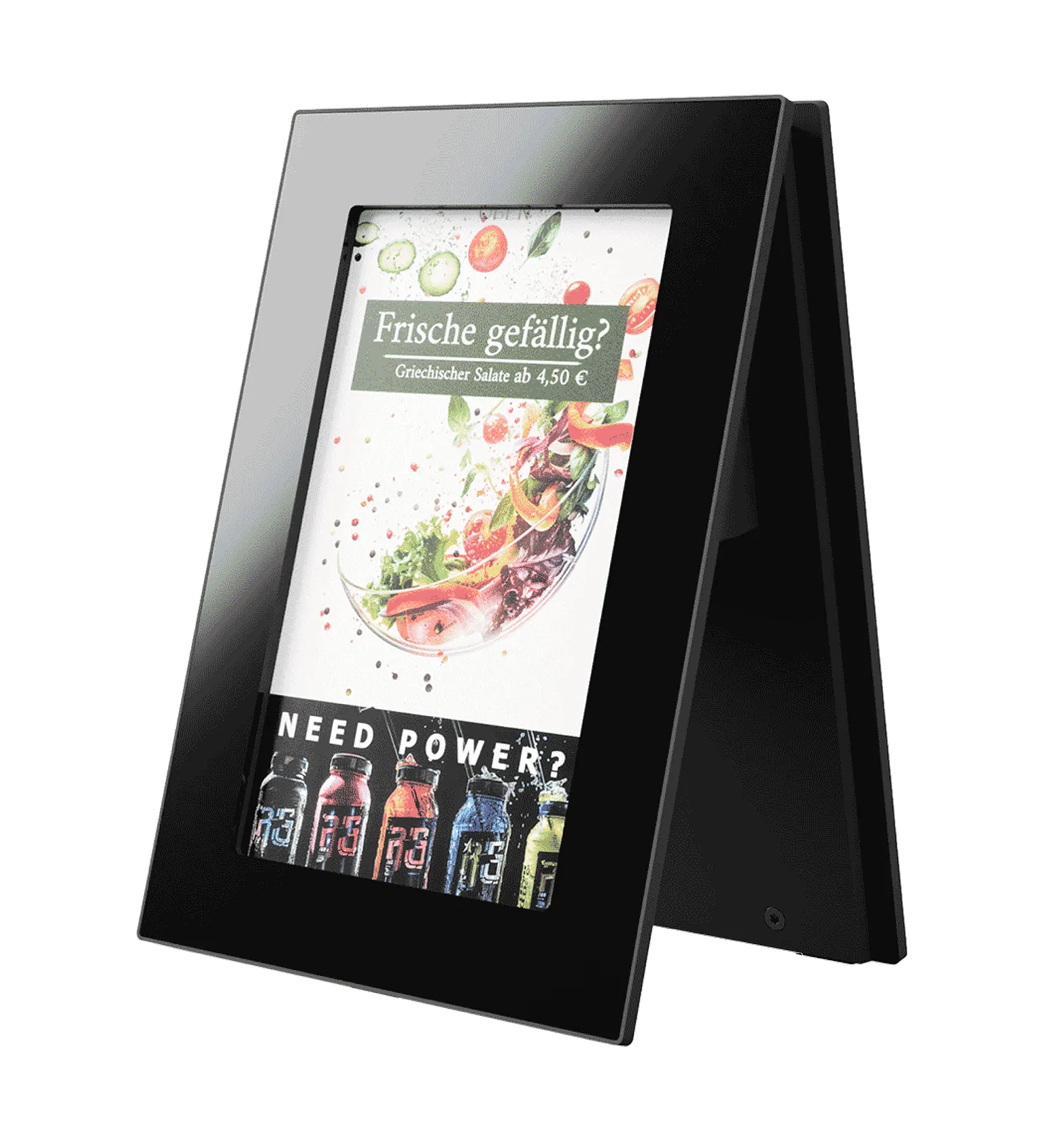
Run Campaigns in Restaurants
4 steps from creative to live campaign
Access the Campaign Platform
Open your campaign manager via browser at campaigns.dinio.de
Set Default Content
Configure your fallback creative in settings.
Create Your Campaign
Upload creative, set dates, runtime, and choose locations.
Go Live
Your campaign automatically deploys across all selected displays. Multiple campaigns rotate every 15 minutes.